Centralized Connectivity for Kepware
Vraxin Bridge: Connect, and control a Kepware instance from a single, powerful web interface.
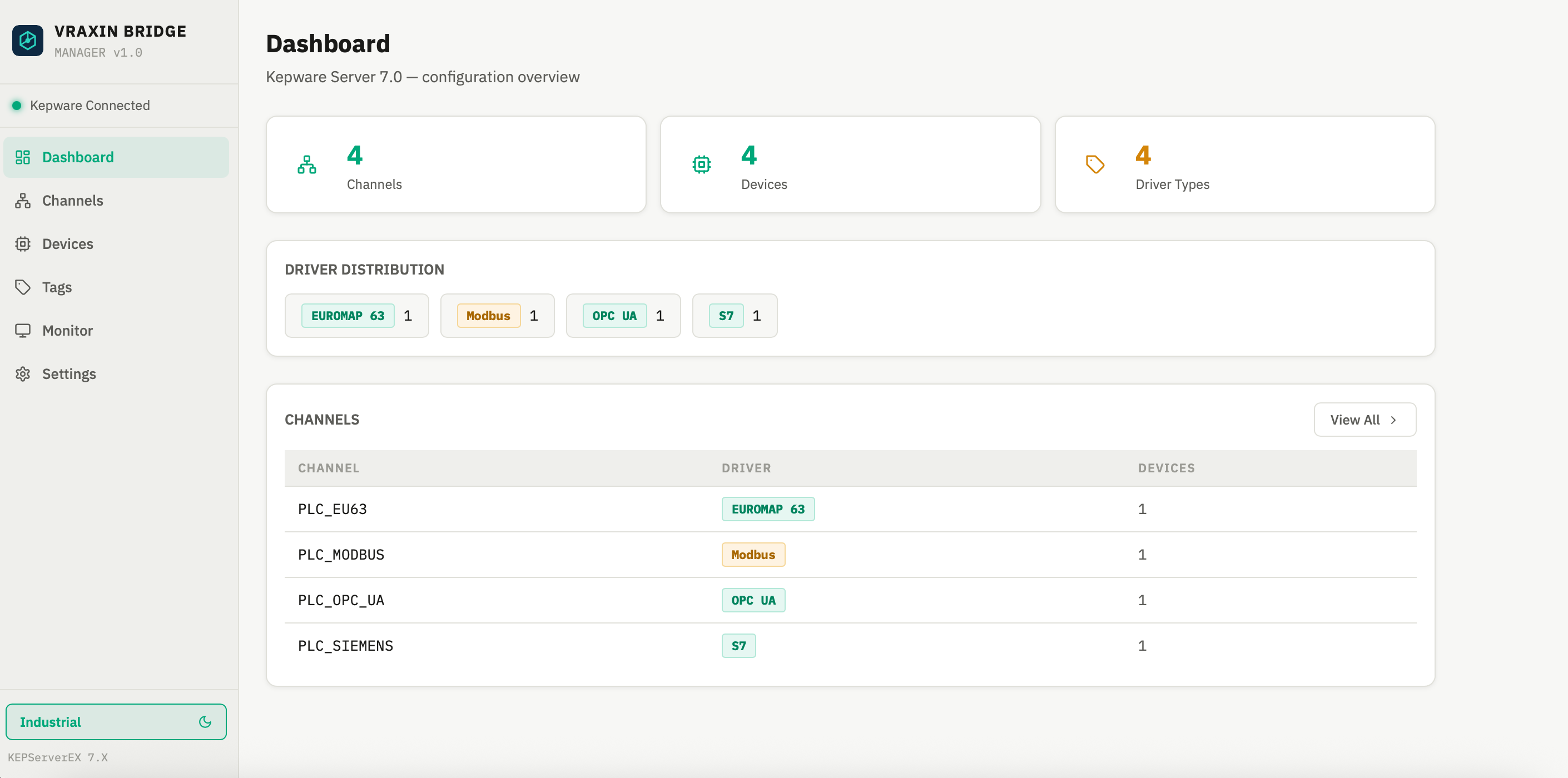 📸 Dashboard Loading...
Vraxin Bridge: Connect, and control a Kepware instance from a single, powerful web interface.
📸 Dashboard Loading...
Create and configure communication channels with Siemens S7, Modbus, and OPC UA.
Additional drivers available — contact us if needed.
Monitor all your industrial tags in real-time from a unified, intuitive web dashboard.
Export and import tag models in CSV format for backup, analysis, and multi-instance configuration.
Ensure you have Ubuntu Server 20.04 or later with Kepware Server installed and its REST API enabled. You'll need internet access only for initial installation.
Download Vraxin Bridge and run the installer on your Ubuntu server. The process is quick and includes all necessary dependencies (Node.js, etc.). No changes needed to your existing Kepware infrastructure.
Access the Vraxin Bridge web dashboard, add your Kepware instance, and start managing it. Intuitive interface with minimal learning curve.
See Vraxin Bridge in action: a quick walkthrough of the dashboard and how to connect and manage your Kepware instance from it.
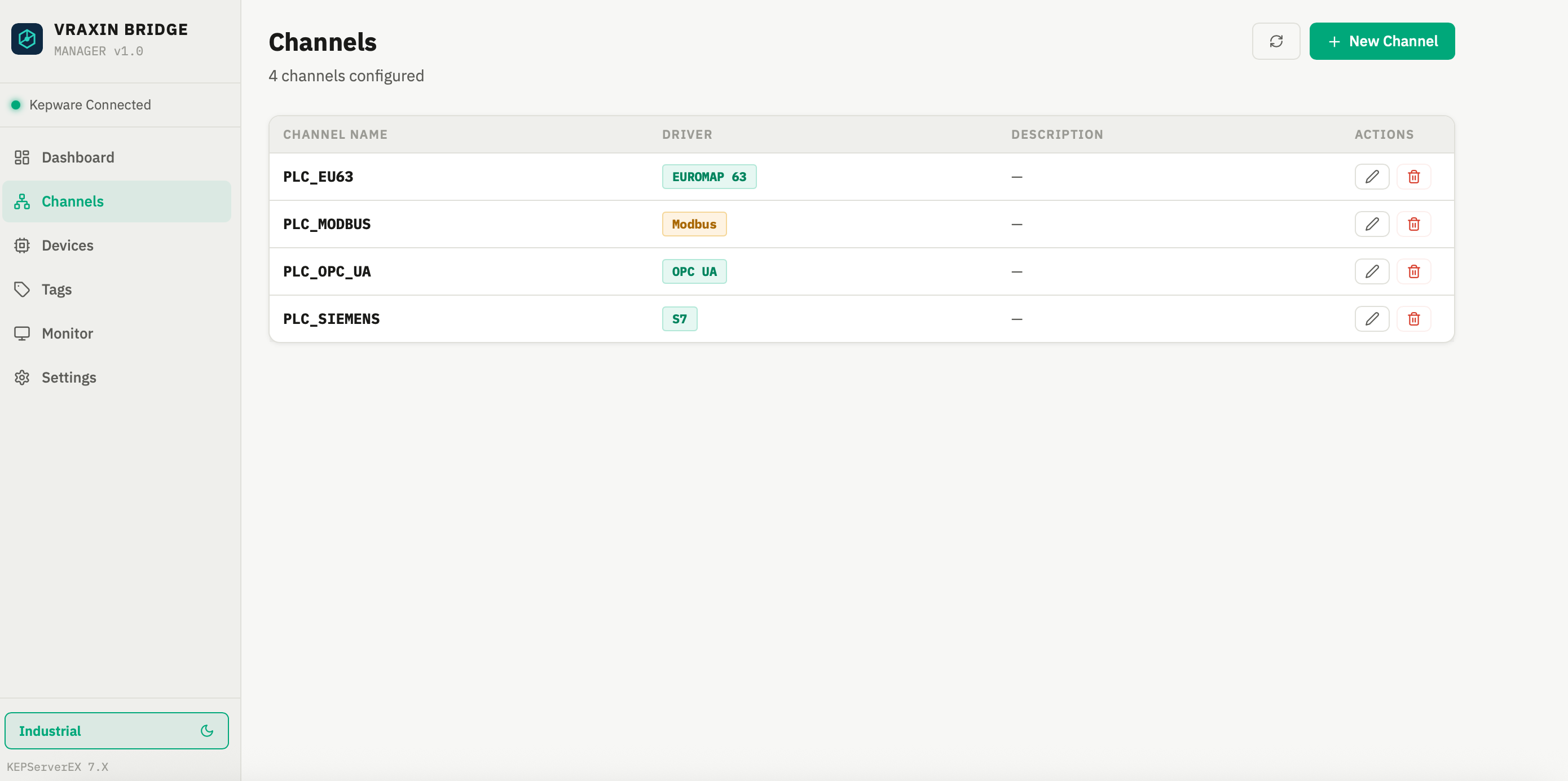 📷 Channels Loading...
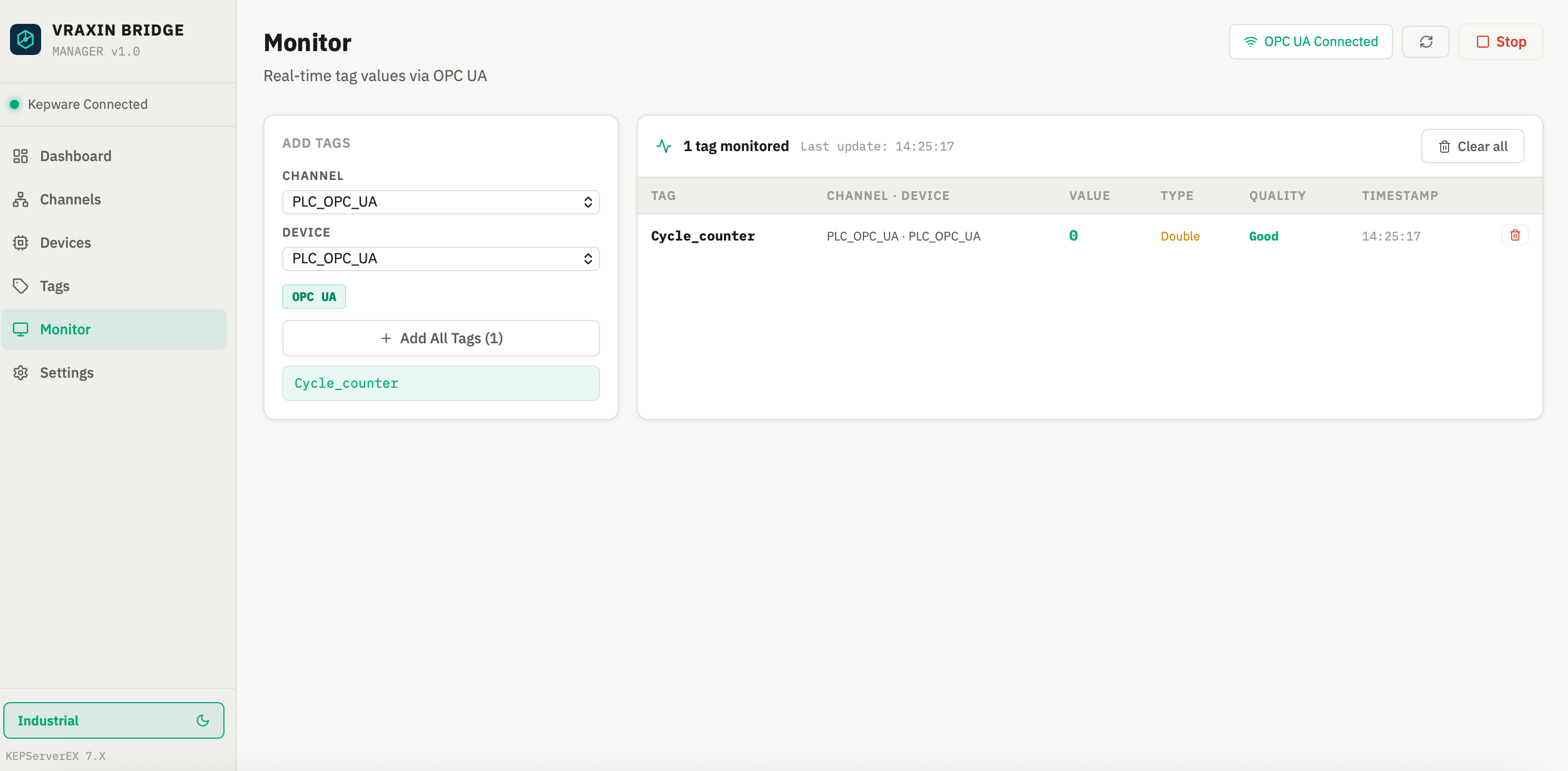 📷 Monitor Loading...
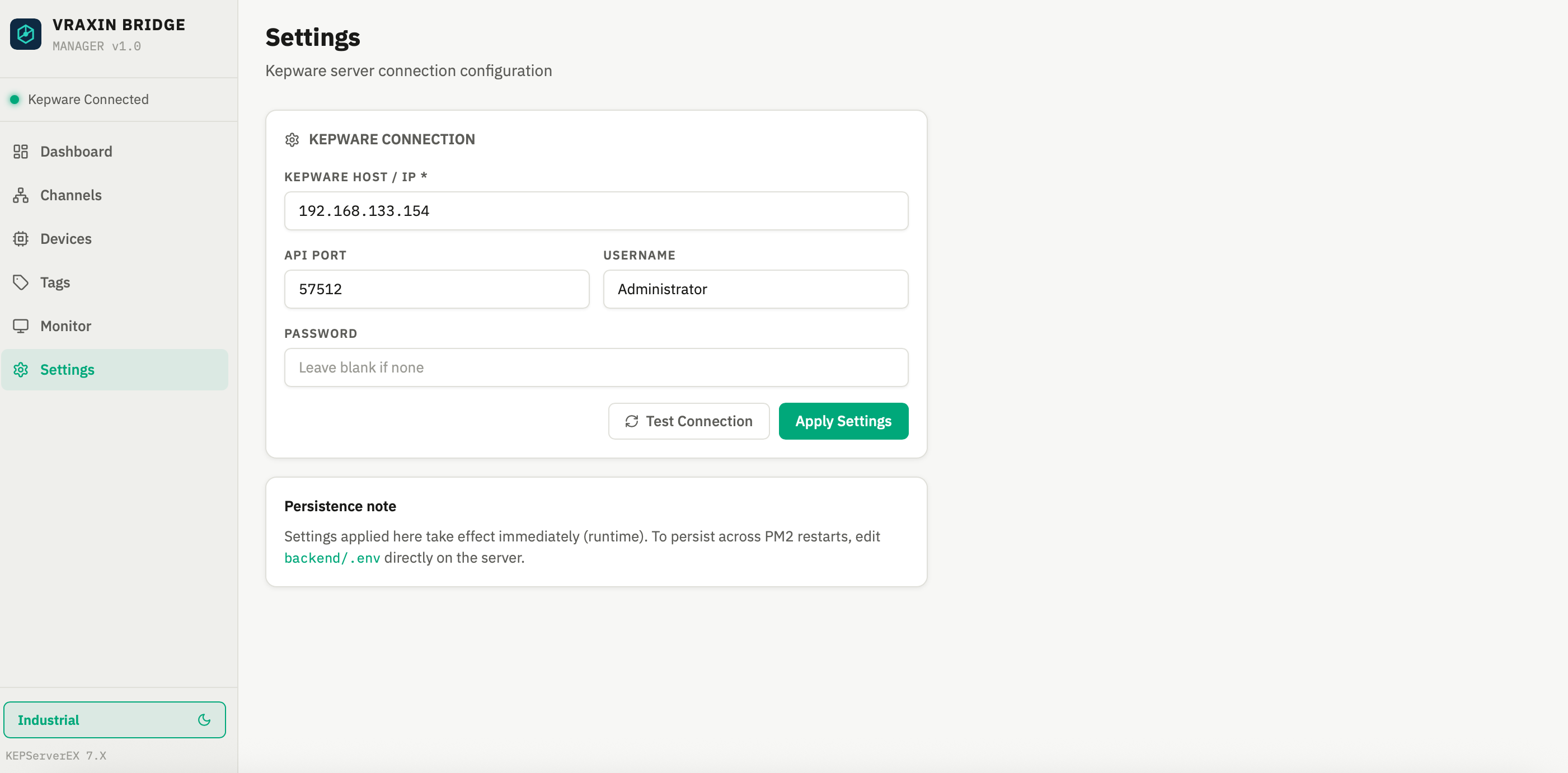 📷 Settings Loading...