Complete OT Device Discovery & Inventory Management

Vraxin Inventory: Scan your network, discover OT devices, manage your inventory, and identify vulnerabilities — all from a single, powerful platform.

Vraxin Inventory Dashboard 📸 Dashboard Loading...

What Vraxin Inventory Does

🔍

Automated Network Scanning

Scan your OT network and automatically discover all connected devices. Identify device types, protocols, and communication ports used.
Real-time discovery with minimal network impact.

💾

Local Database Storage

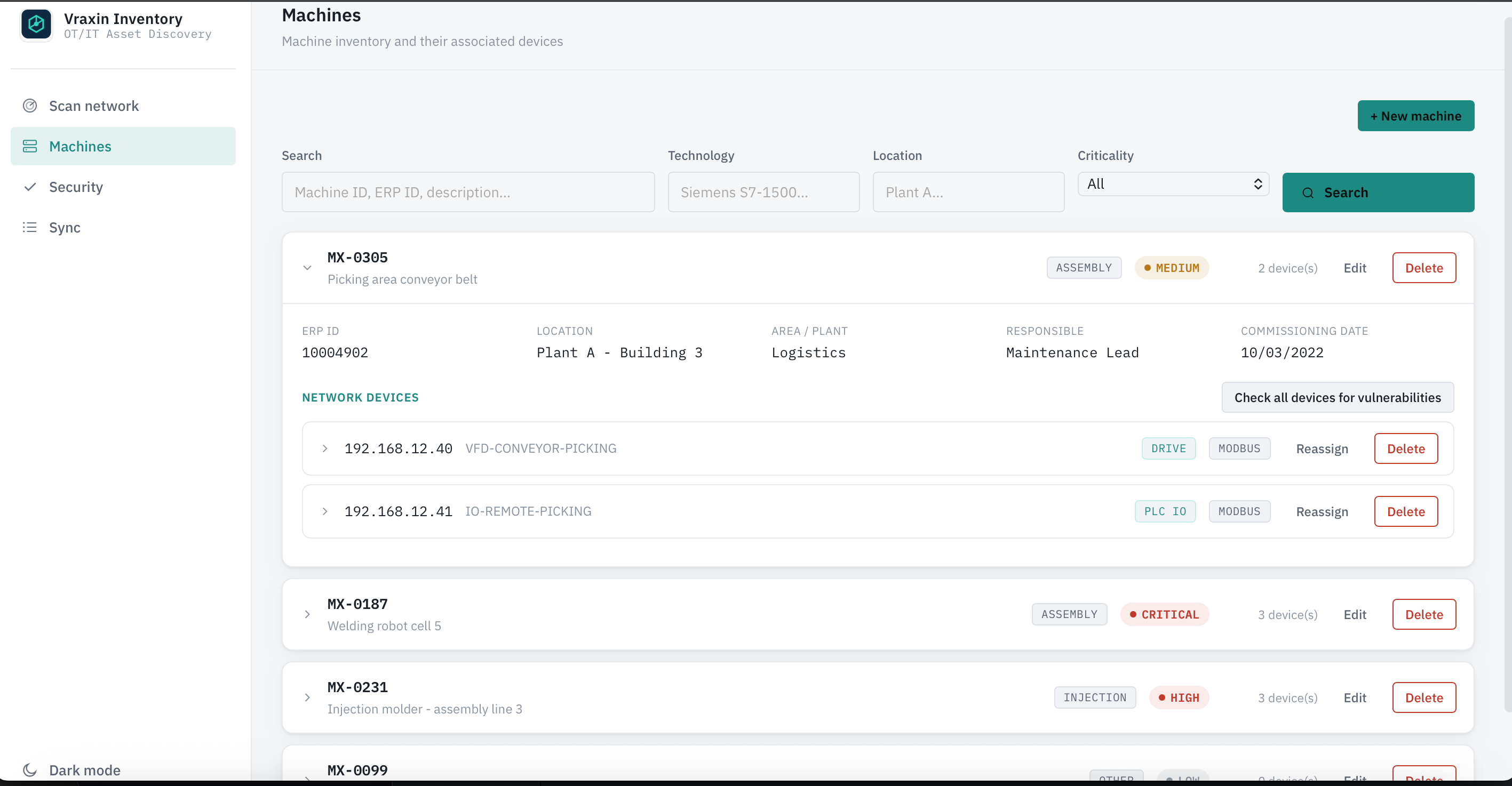
Store complete inventory data locally on your machine. Organize devices by machine, add detailed metadata, and maintain historical records.

🔐

Vulnerability Management

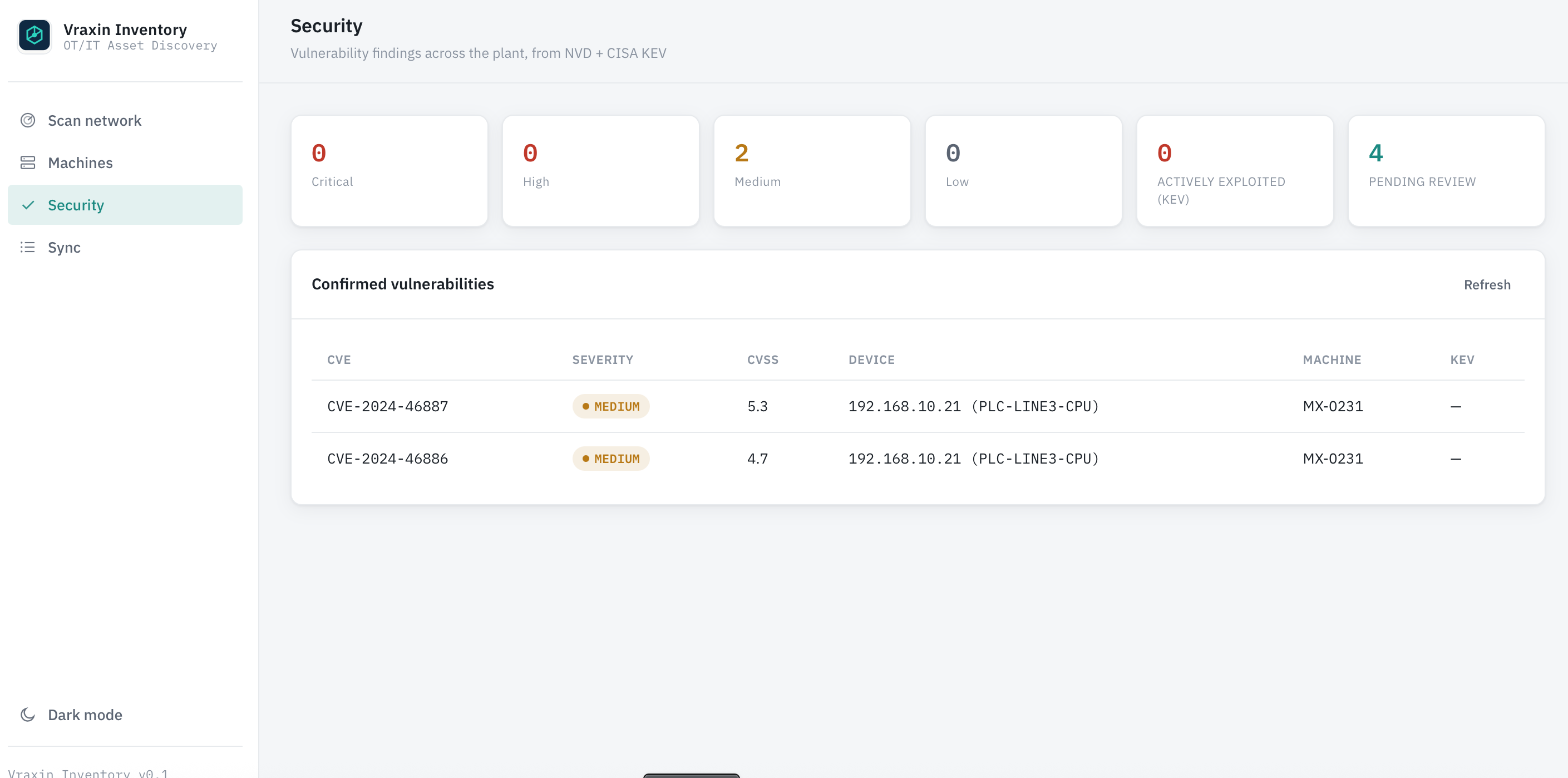
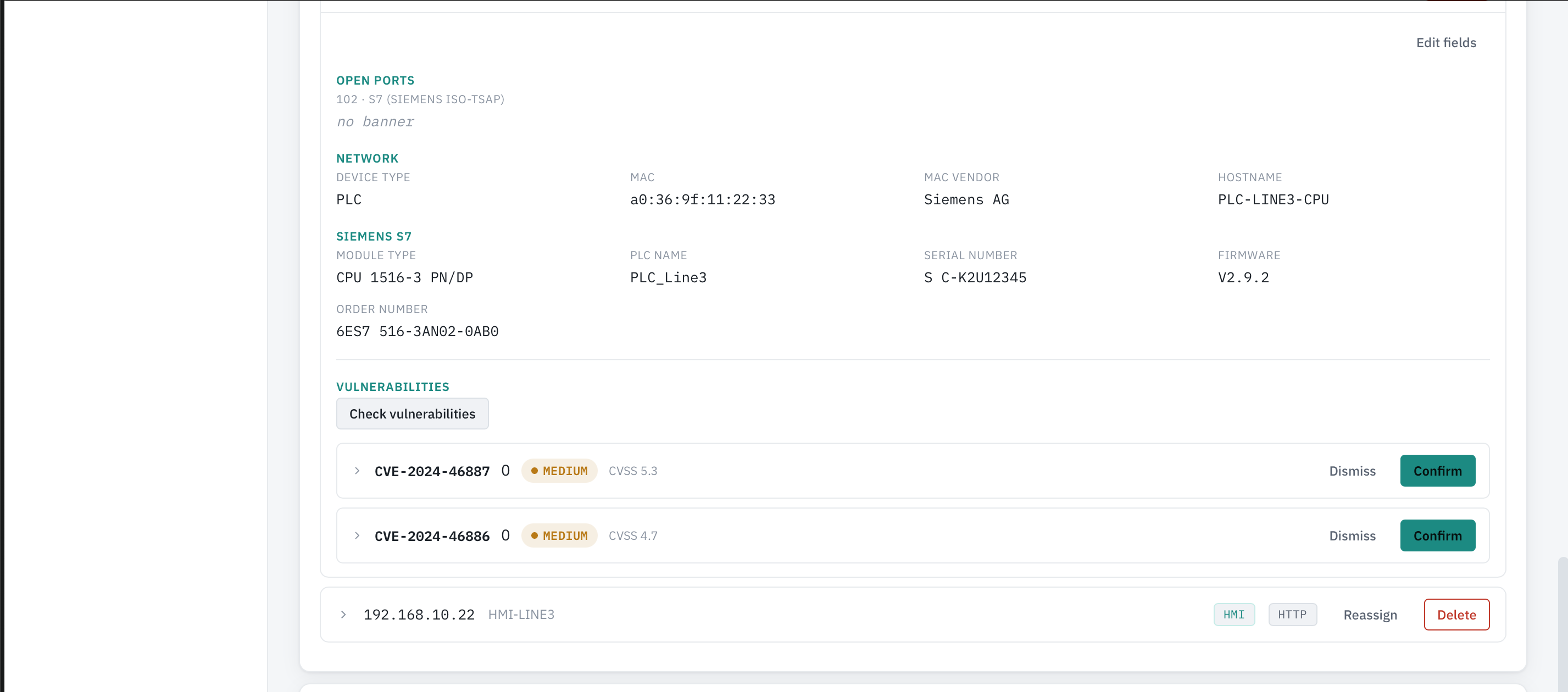
Integrate with multiple threat intelligence sources to identify CVEs affecting your devices. Get actionable security insights for your OT infrastructure.

☁️

Central Server Sync

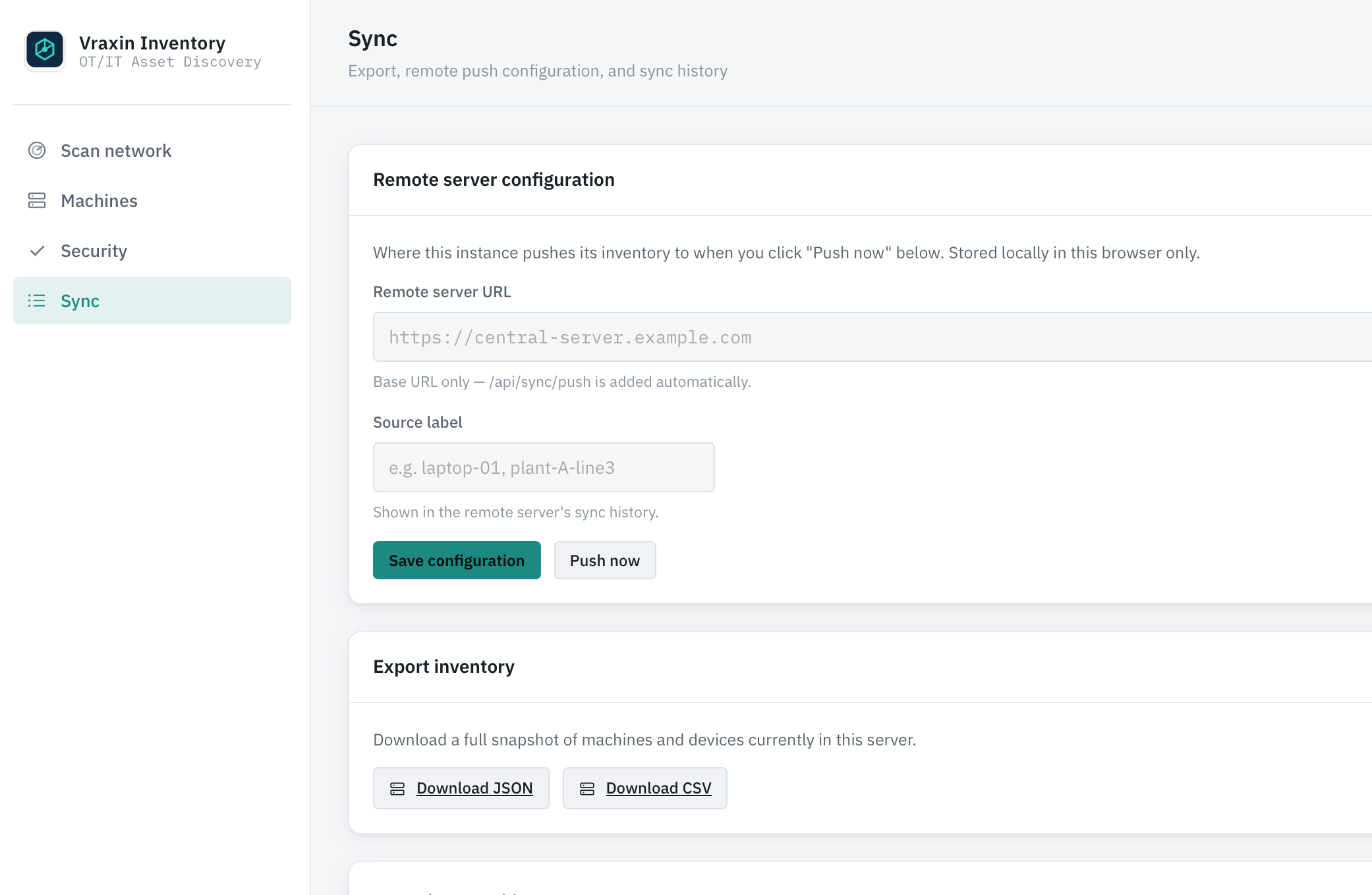
Synchronize your local inventory with a centralized server. Enable cross-machine inventory analysis and reporting at scale.

📊

Advanced Analytics

Analyze device distribution, protocol usage, and security posture. Generate reports to support compliance and planning initiatives.

📥📤

Import/Export Capabilities

Export inventory data in standard formats for backup and multi-machine deployment. Easy data portability and integration with other tools.

How Vraxin Inventory Works

Step 1: Install & Connect

Deploy Vraxin Inventory on your OT network machine or industrial workstation. Ensure network access to the devices and systems you want to scan.

Step 2: Discover & Scan

Launch automated network scans to discover all OT devices. The app identifies device types, operating systems, running services, and communication protocols. All data is collected and stored locally in the built-in database.

Step 3: Manage & Analyze

Organize your inventory by machine. Add detailed device information, maintenance notes, and business context. Analyze vulnerabilities, track security posture, and synchronize with your central server when needed.
Vraxin Inventory in Action

See Vraxin Inventory in action: network scanning, device discovery, inventory management, vulnerability analysis, and cloud synchronization features.

Technical Requirements

✅ What You Need

  • Linux-based workstation or server
  • Network access to OT devices
  • Modern web browser (Chrome, Firefox, Edge)
  • Sufficient disk space for database
  • Optional: Internet access for vulnerability feeds

❌ Limitations

  • Requires OT network access for scanning
  • Does not bypass firewalls or VPNs
  • Central server sync requires network connectivity
  • Custom device integrations available by quotation
  • Enterprise features subject to licensing

Vraxin Inventory Features

Get Started with Vraxin Inventory

Ready to Discover Your OT Network?

Contact us to learn more about Vraxin Inventory, explore pricing options, and receive your download link to get started today.